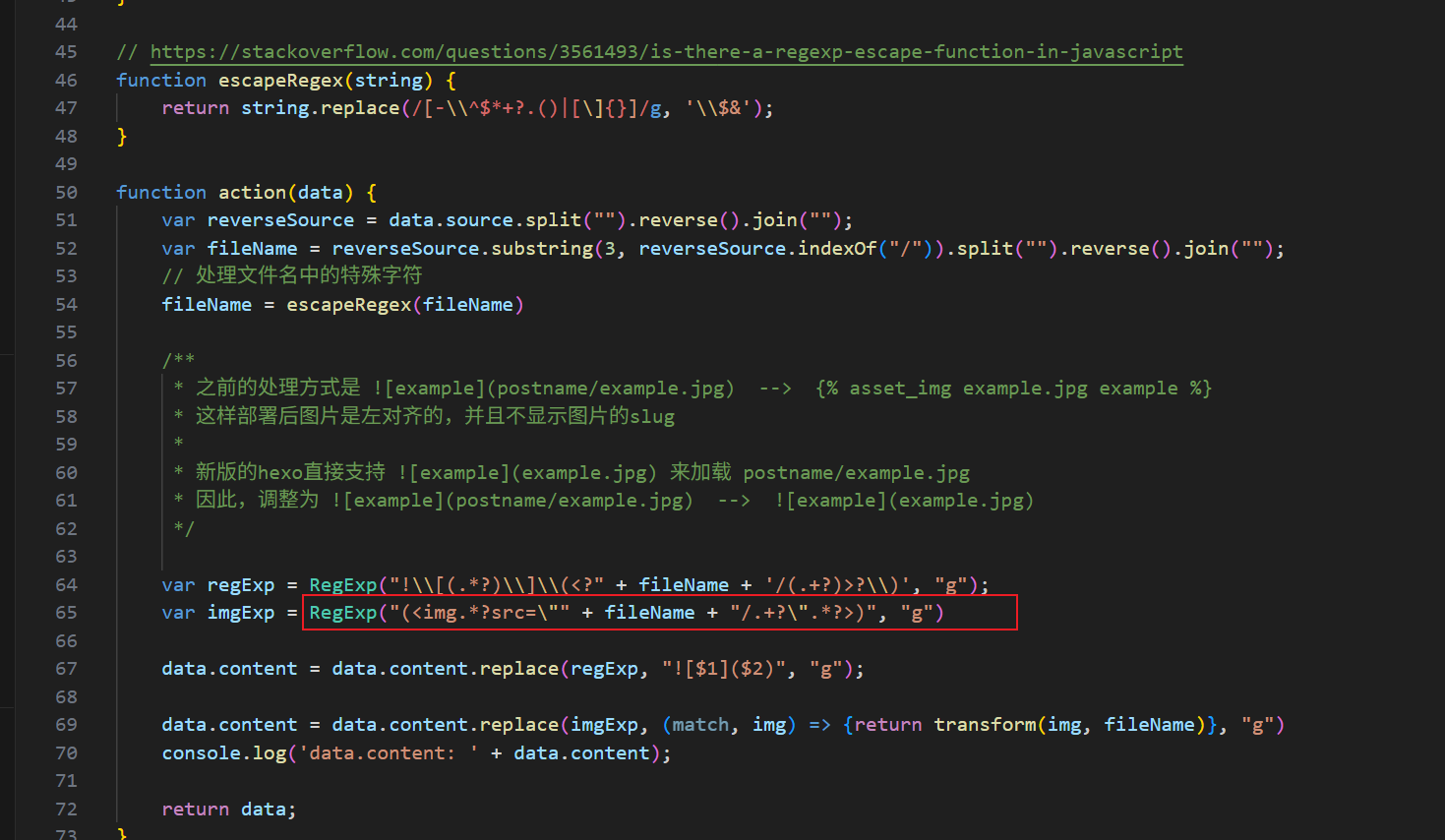
初次接触hexo,网上找到显示图片的方案hexo-asset-img后便开始写文档。途中想缩放图片,缩放就得把![]语法转为<img>标签,然而改为<img>后发现图片不显示。用开发者工具查看,找不到缩放后的图片元素。
一开始怀疑是hexo-asset-img有问题,查看hexo-asset-img的issue,未找到相关反馈。查看hexo-asset-img代码,可以看到hexo-asset-img只是做了一层字符串处理,并且明显有对<img>的处理。
于是用开发者工具查看正常显示的图片元素,尝试弄清楚hexo-asset-img做字符处理的用意。可以看到路径是网页url加一段被切割的字符串,这里示例图片名称是xxxxxxx137535.png。
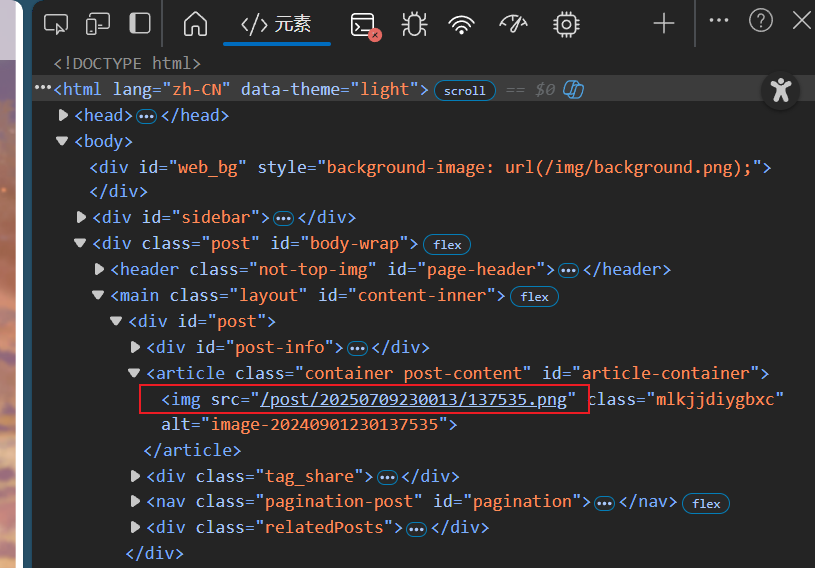
此时还不清楚为什么会切割文件名,猜测有可能是hexo做的字符处理,以这个切割后的字符串为文件id。但这么做似乎不太符合常理,于是用命名为1.png的图片测试,发现路径只剩下网页url这一前缀,应该的确是有问题了。于是查看hexo代码,看看为什么会切割文件名。

由于对hexo、js不够熟悉,因此先调试看看,在hexo-asset-img的字符处理断点,查看调用堆栈
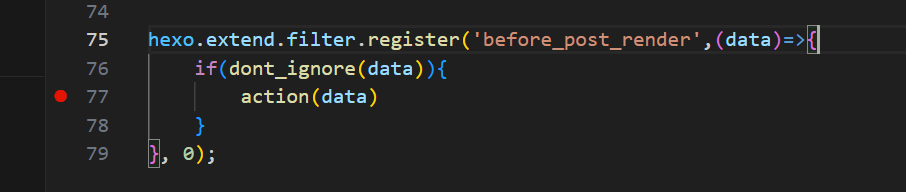
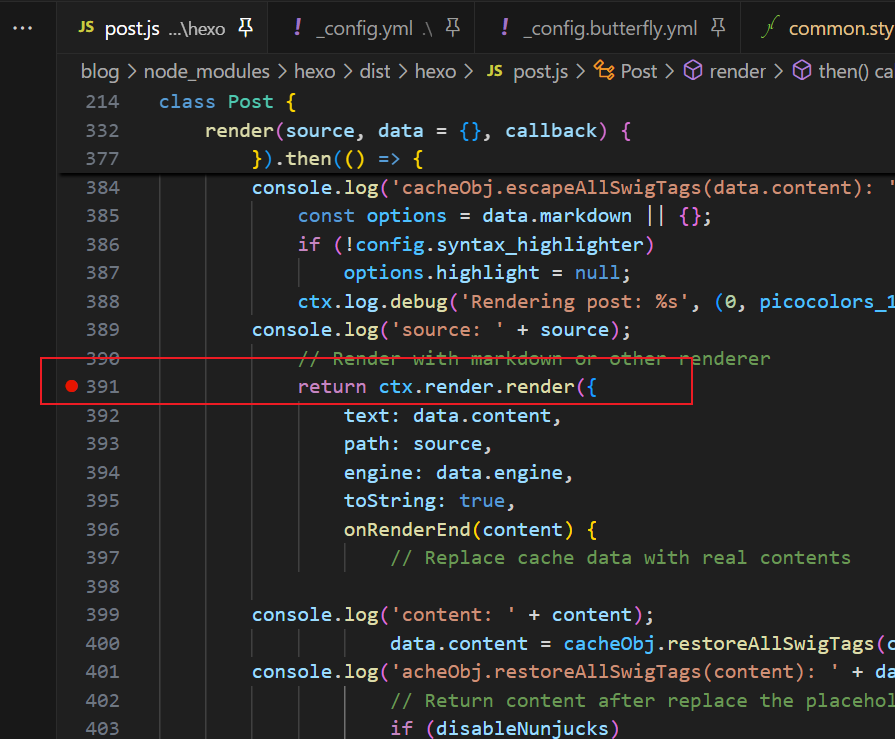
代码里各种回调、Promise.method、Reflect.apply,一开始调试给绕晕了,结合日志初步确认是这个ctx.render.render里切割了字符串
调试最后到PostAsset.findById,发现这里返回的asset里记录的slug正是切割后的字符串。
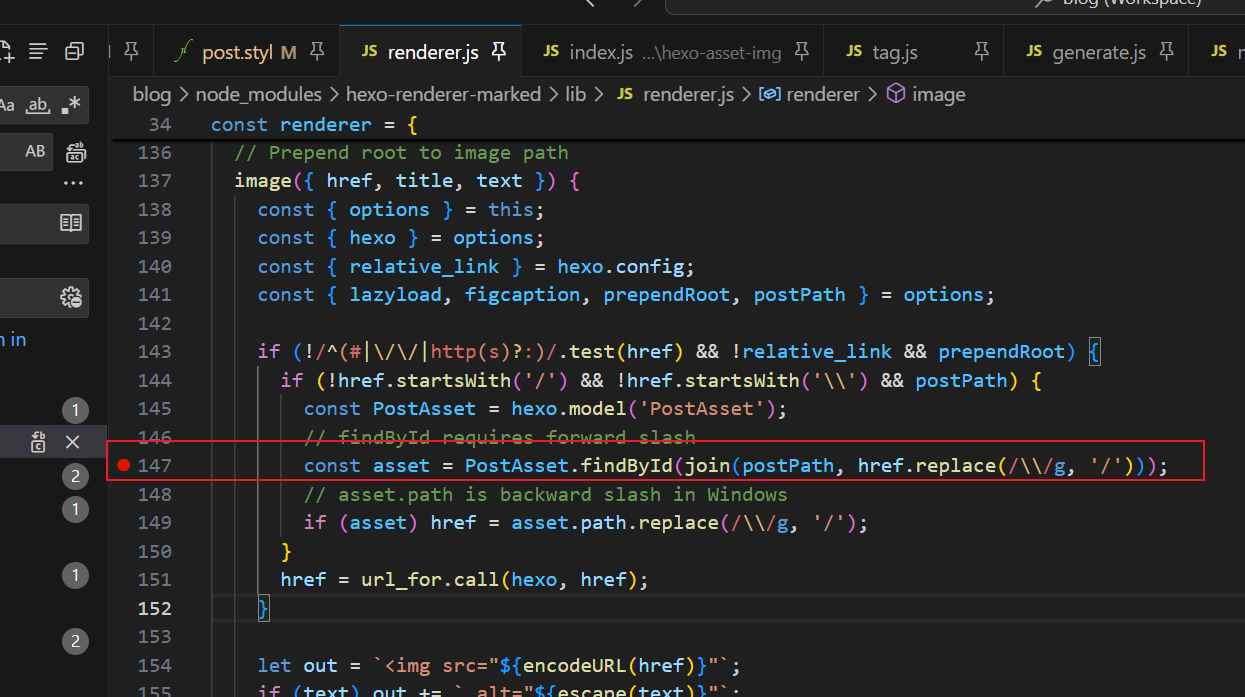
接下来就是查什么时候加进PostAsset的,这一步先全局搜索PostAsset,看看有没有比较可疑的,翻了一会就找到了savePostAsset。并且找到slug是根据post.asset_dir切割的,看起来这一步单纯只是想取文件名,正常来说没问题,但是断点时发现图片的路径和post.asset_dir不一致,所以会出现多切割的情况。
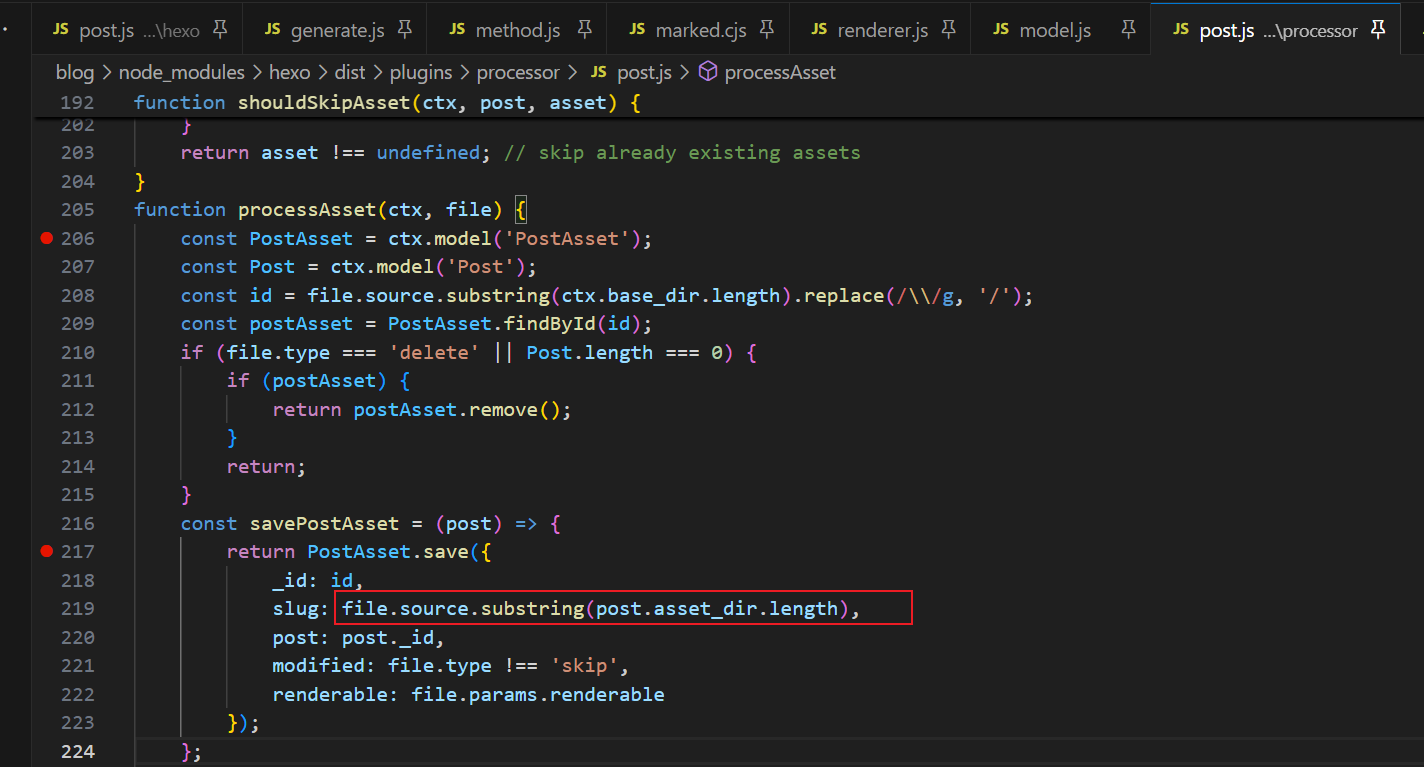
到了这里,起码有一个解决方案了,先试试修改代码改成根据自己的路径提取文件名
1
2
3
4
5
6
7
8
9
10
| const temp_path = file.source.replace(/\\/g, '/');
const savePostAsset = (post) => {
return PostAsset.save({
_id: id,
slug: temp_path.slice(temp_path.lastIndexOf('/') + 1 - temp_path.length),
post: post._id,
modified: file.type !== 'skip',
renderable: file.params.renderable
});
};
|
修改后,问题确实解决了。但还不清楚为什么路径会不一致。前面提到,新添加的图片post.asset_dir也还是之前的目录,那么现在就新加个图片,在savePostAsset断点看看。
查到savePostAsset时调用的findOne到parseQuery返回的stack为空,于是findOne直接返回首个post,导致postAsset和post没有对应上。

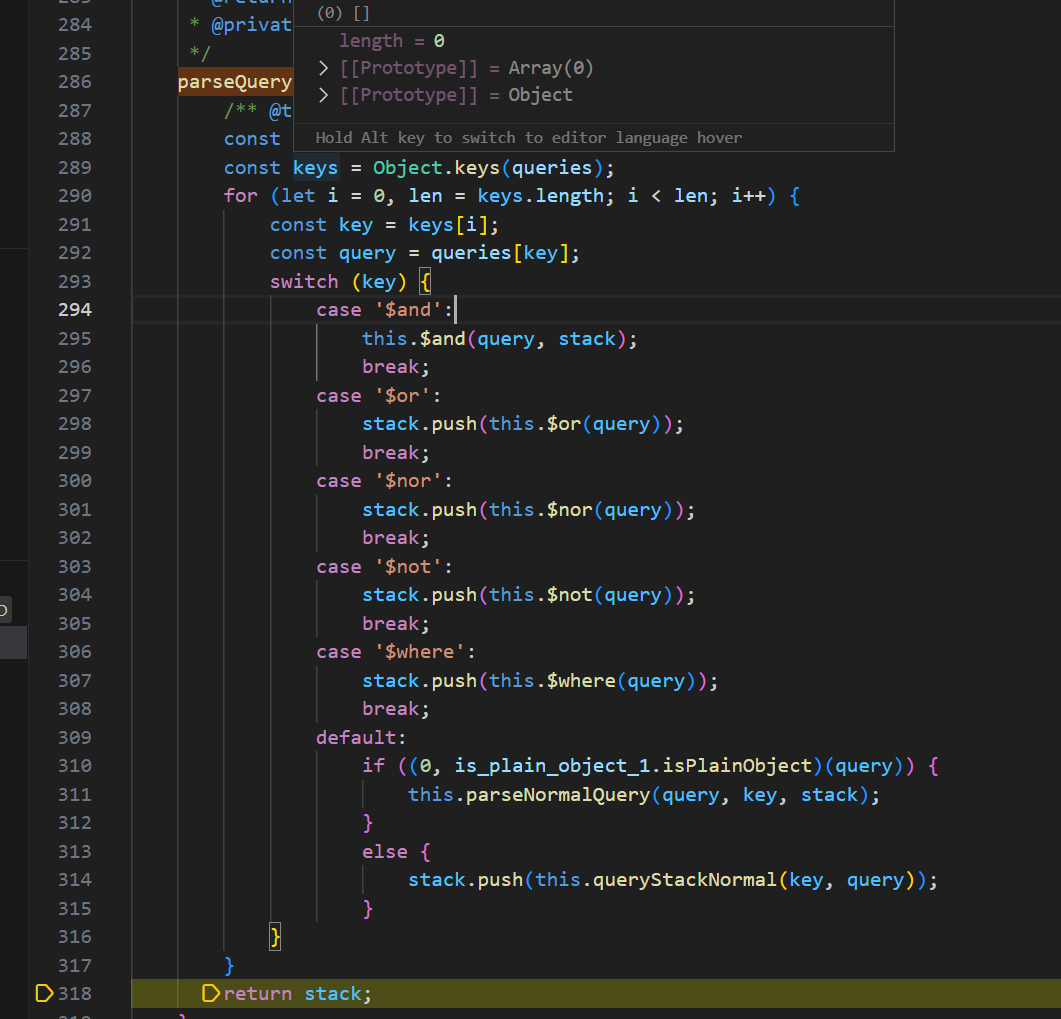
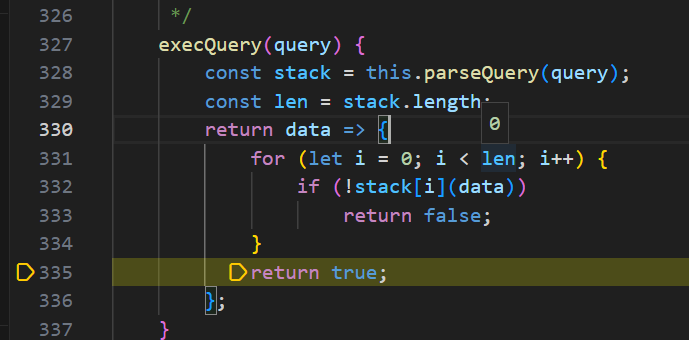
OK,看起来是因为findone传的不是map,导致Object.keys(queries)返回空,进而引起后续问题。看起来最主要的原因就是这个了。
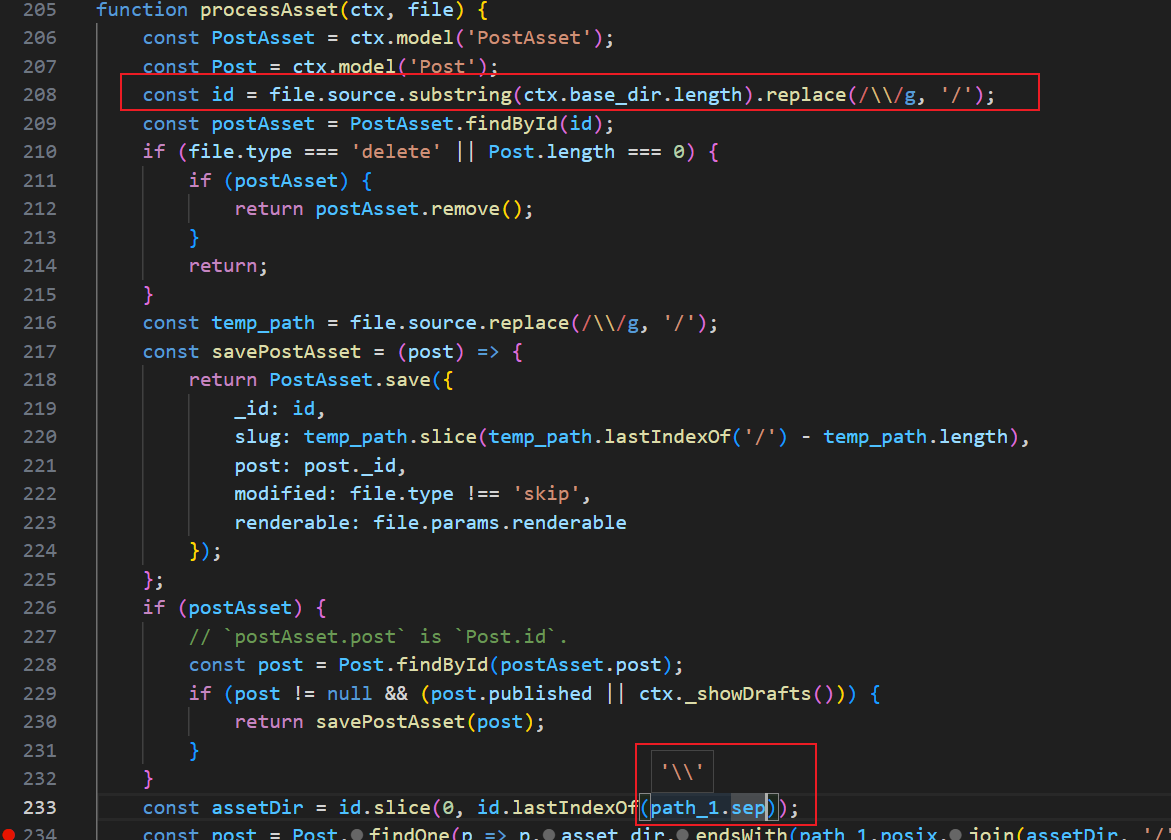
另外调试过程发现asset路径字符串切割得到的assetDir也有问题。

再一看,id在前面将\替换为/了,再拿\去切割自然不对,这里也得改
之前添加过的postAsset是有记录的,好在hexo目录结构很简单,随便翻一下就找到了db.json,修改代码后最好把之前记录的postAsset改掉。
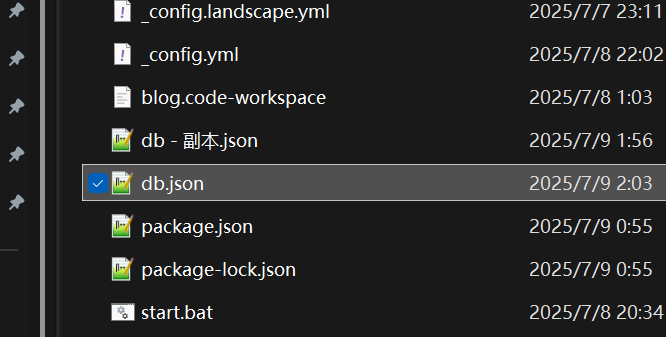
最后修改processAsset,并把db.json删了,至此问题修复。
1
2
3
4
5
6
7
8
9
10
11
12
13
14
15
16
17
18
19
20
21
22
23
24
25
26
27
28
29
30
31
32
33
34
35
36
37
38
39
40
41
42
43
44
45
46
| function processAsset(ctx, file) {
const PostAsset = ctx.model('PostAsset');
const Post = ctx.model('Post');
const id = file.source.substring(ctx.base_dir.length).replace(/\\/g, '/');
const postAsset = PostAsset.findById(id);
if (file.type === 'delete' || Post.length === 0) {
if (postAsset) {
return postAsset.remove();
}
return;
}
const temp_path = file.source.replace(/\\/g, '/');
const savePostAsset = (post) => {
    return PostAsset.save({
        _id: id,
        slug: temp_path.slice(temp_path.lastIndexOf('/') + 1 - temp_path.length),
        post: post._id,
        modified: file.type !== 'skip',
        renderable: file.params.renderable
    });
};
if (postAsset) {
// `postAsset.post` is `Post.id`.
const post = Post.findById(postAsset.post);
if (post != null && (post.published || ctx._showDrafts())) {
return savePostAsset(post);
}
}
const assetDir = id.slice(0, id.lastIndexOf('/') + 1);
let post = null;
const keys = Object.keys(Post.data);
for (let i = 0, len = keys.length; i < len; i++) {
const data = Post.findById(keys[i]);
if (data && data.asset_dir.replace(/\\/g, '/').endsWith(assetDir)) {
post = data;
break;
}
}
if (post != null && (post.published || ctx._showDrafts())) {
return savePostAsset(post);
}
// NOTE: Probably, unreachable.
if (postAsset) {
return postAsset.remove();
}
}
|